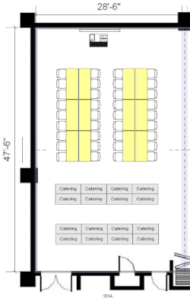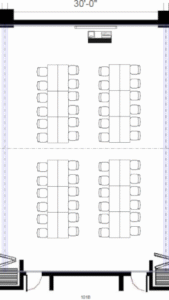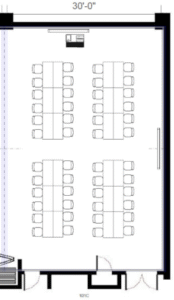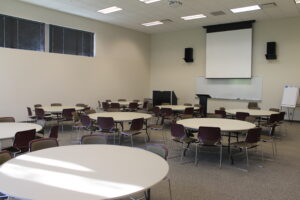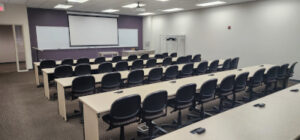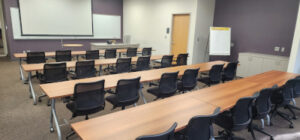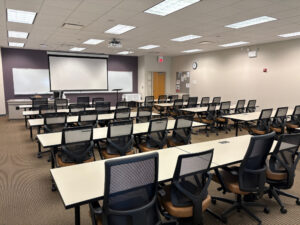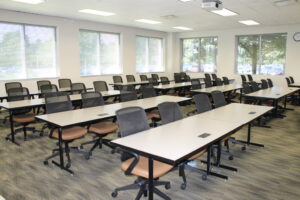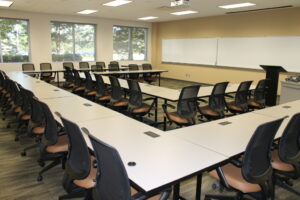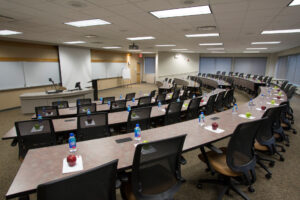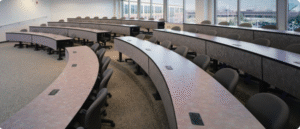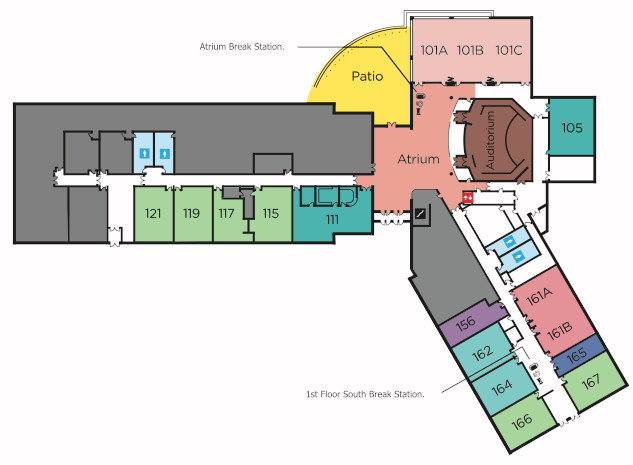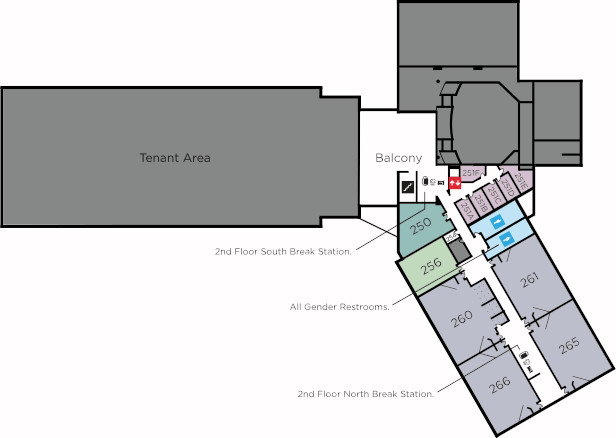
Below are the general layouts for each presentation room for the NISE 2025 conference. This information is primarily for the presenter to use in preparation for their presentation.
All Presentation Rooms Include:
- Project and Screen
- HDMI Hookup for presenter provided laptop (adapters available upon request)
- Windows PC connected to projector with Office and Internet
- Microphone (1 lapel) with sound system
- White board with markers
- 1 Flip chart on an easel
Setup can occur when previous presentation ends. (Should be about 5-10 min before your session.)
NOTES:
- If you session fills to capacity and people start sitting on the floor, please ask 1 of them to go to the NISE registration desk located in the Atrium. We can consider moving the presentation to a potentially larger room or bring in extra chairs if allowed by NIU.
- There are touch screen controllers located at the podium in each room that control the screen up/down, input (computer or HDMI cable), and audio.
- Prior to your session, if you have any questions about the AV setup or if you think you might need an adapter, you can go to the NIU security desk located in the Atrium and ask for AV assistance.
- If you experience any AV issues during your setup or presentation, there are “house phones” in the hallways near all presentation rooms. Pickup the phone, it will ring the security desk. Ask for AV assistance and an NIU staff member will come to your room. Or, have an attendee of your session go to the security desk in the lobby and ask for AV help in your room.